1. HyperION DAW Features Overview
2. Explore HyperION DAW Core Tools
3. Enhance Your Music Production with HyperION DAW
Everything Inside HyperION DAW
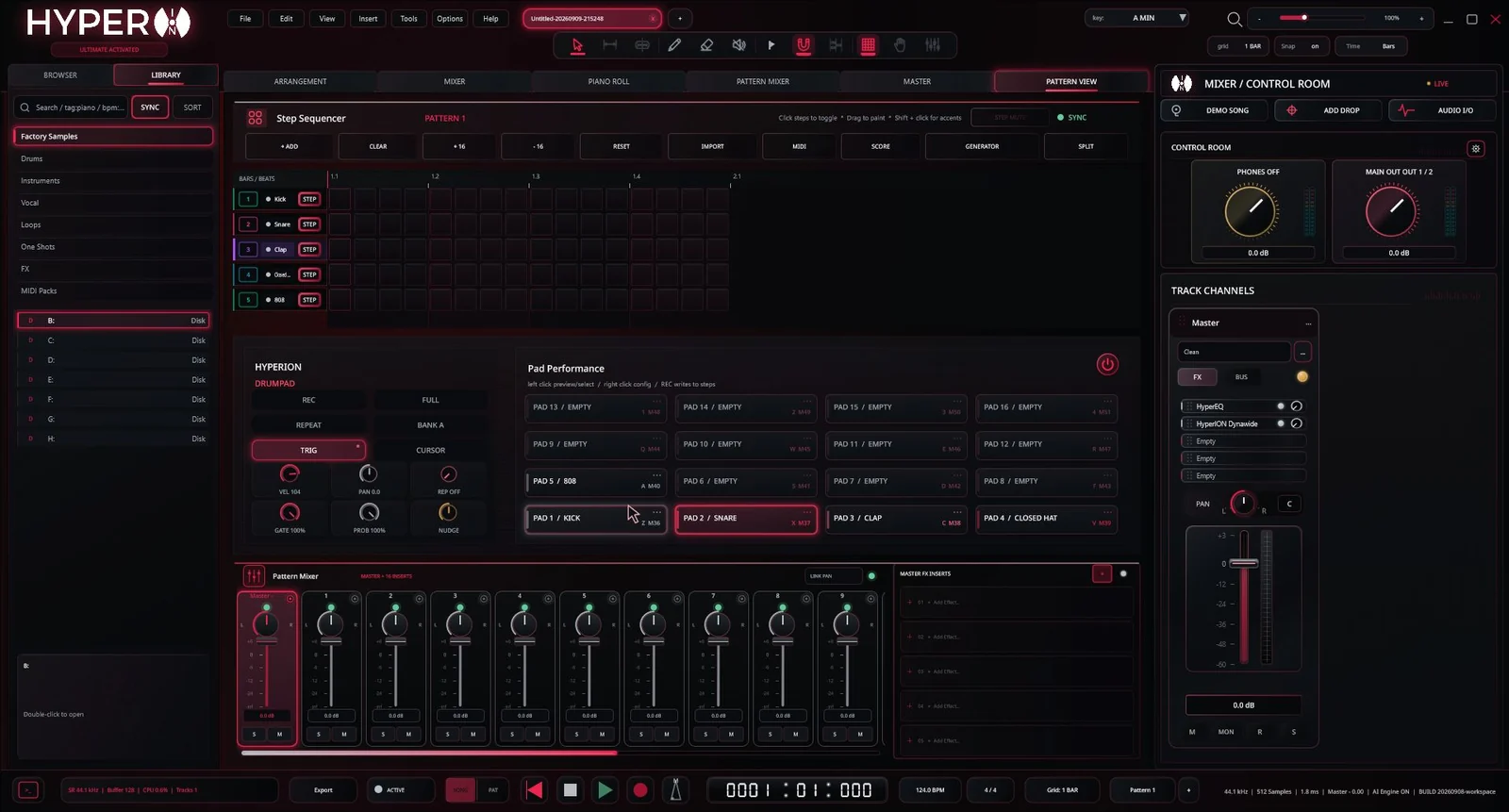
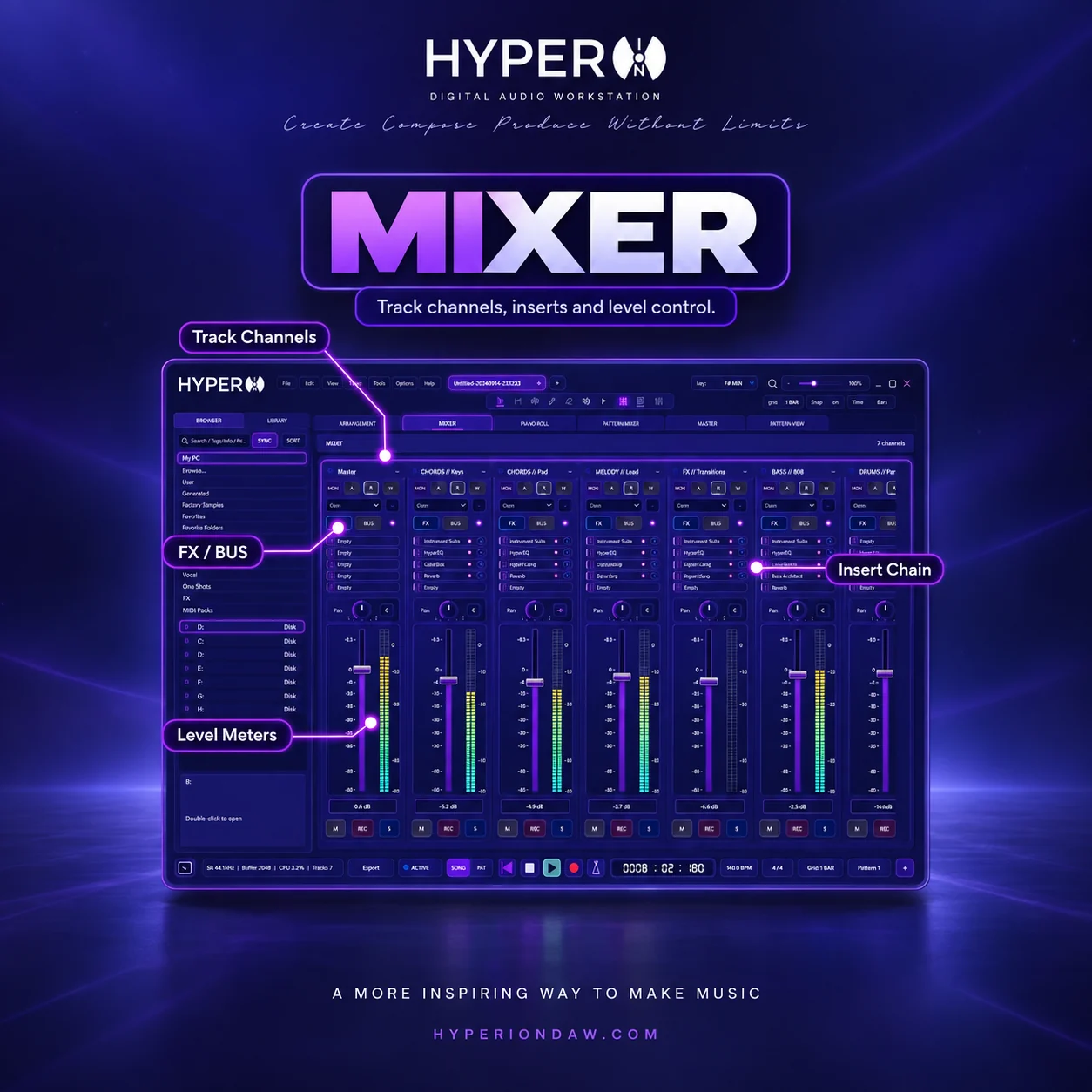
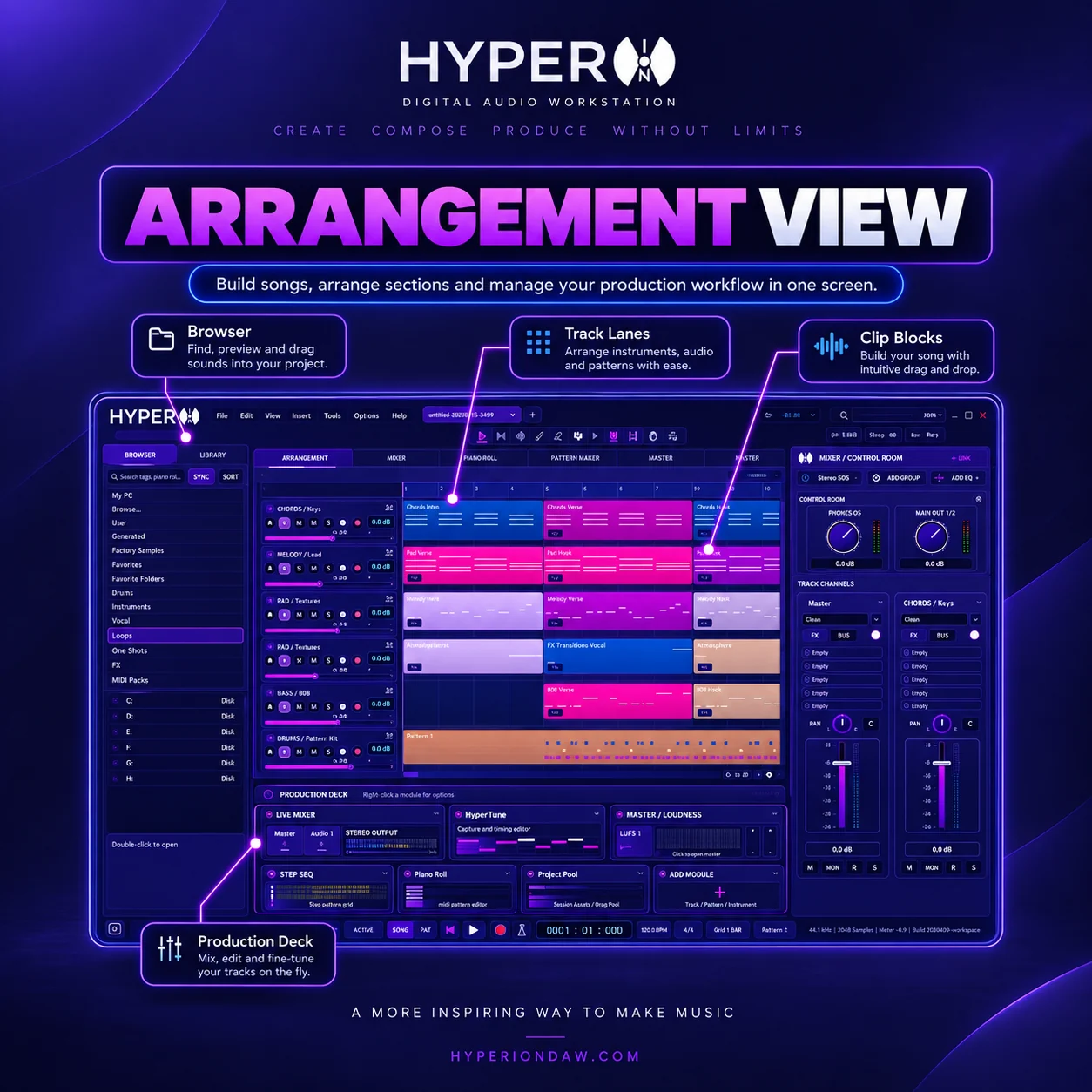
Build complete songs in HyperION's arrangement view with audio, MIDI and pattern tracks on one editable timeline. Record takes, arrange sections, automate parameters, route channels through inserts and sends, and balance the project in the mixer. The workflow keeps clips, instruments, effects and export inside the same DAW project. This core production environment is available in the paid editions: https://www.hyperiondaw.com/editions/standard
Step Sequencer
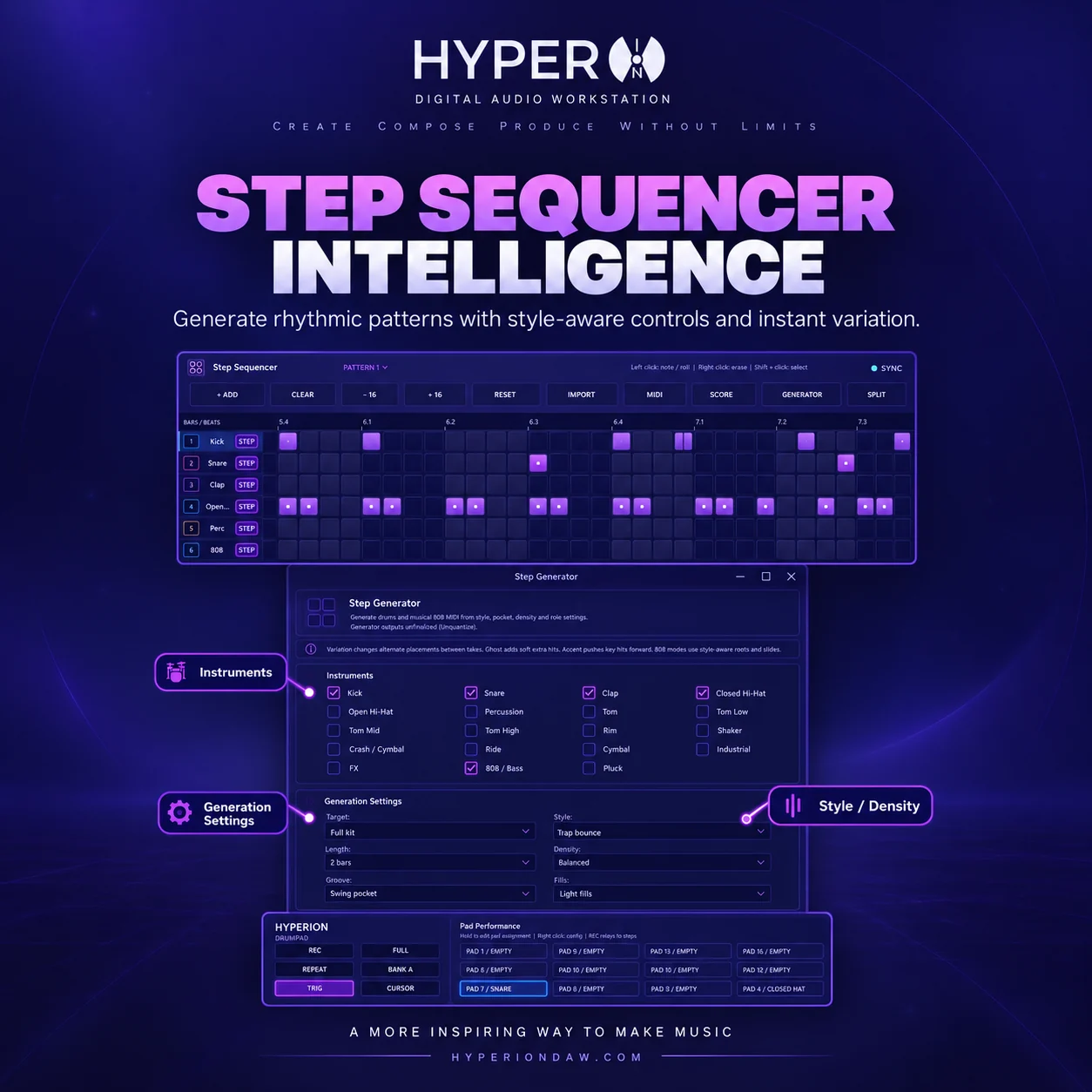
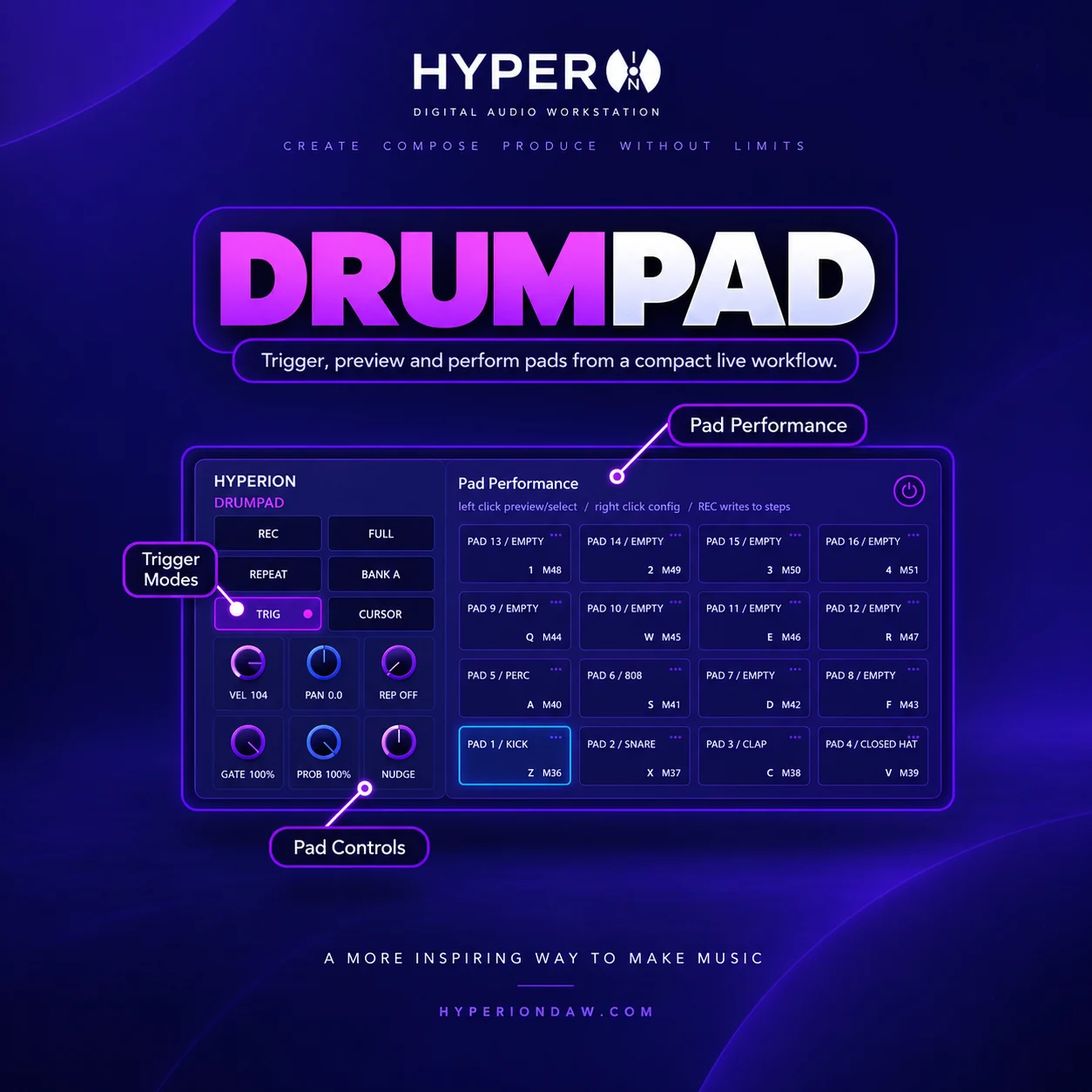
Program drums and rhythmic patterns with lane-based steps, reusable variations and fast pattern placement. Build a kick and snare foundation, add hats or percussion, adjust velocity and timing, then route each pattern channel through the mixer for inserts, sends and automation. Pattern content remains editable and can be arranged alongside audio and MIDI tracks. Compare the production editions here: https://www.hyperiondaw.com/editions/standard
Piano Roll
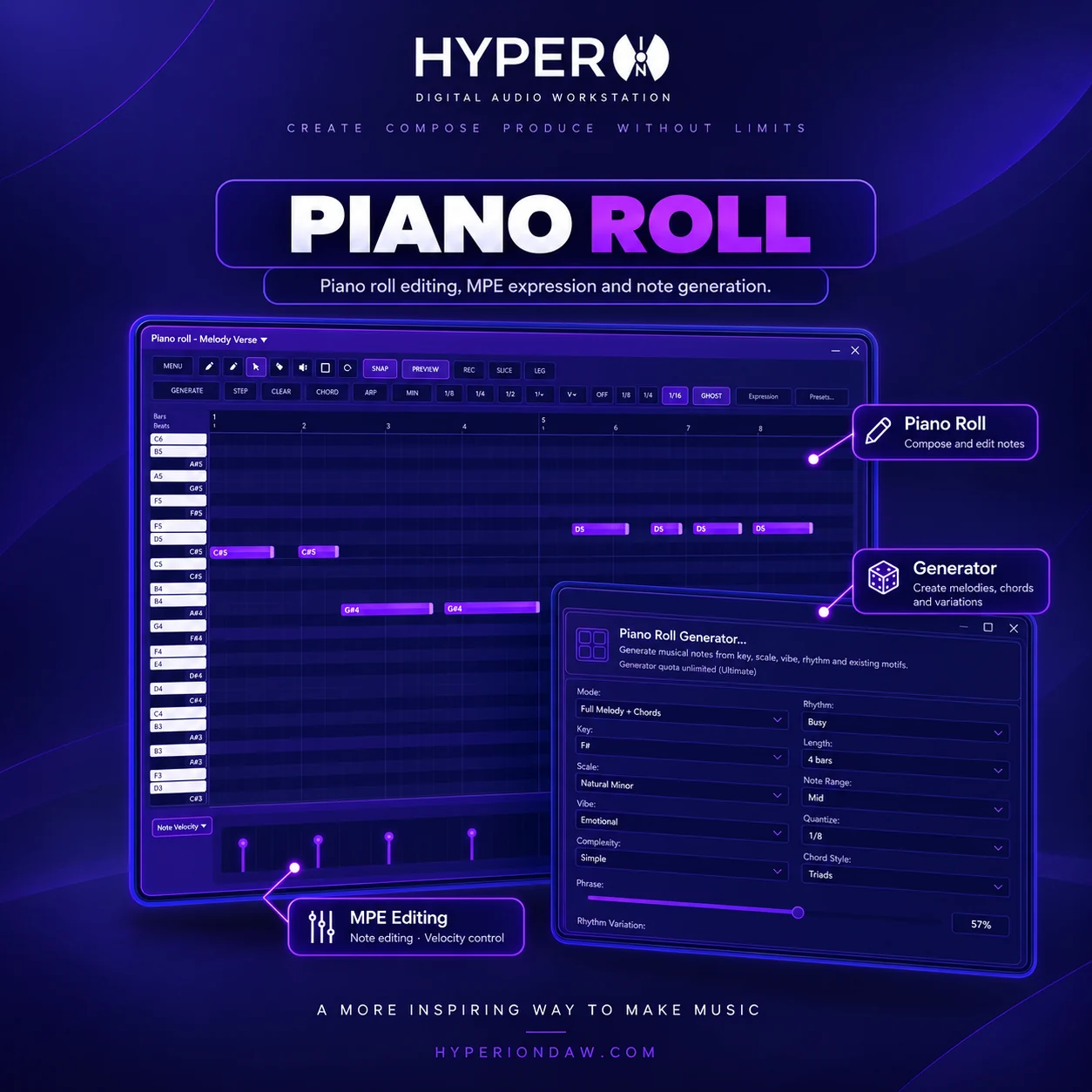
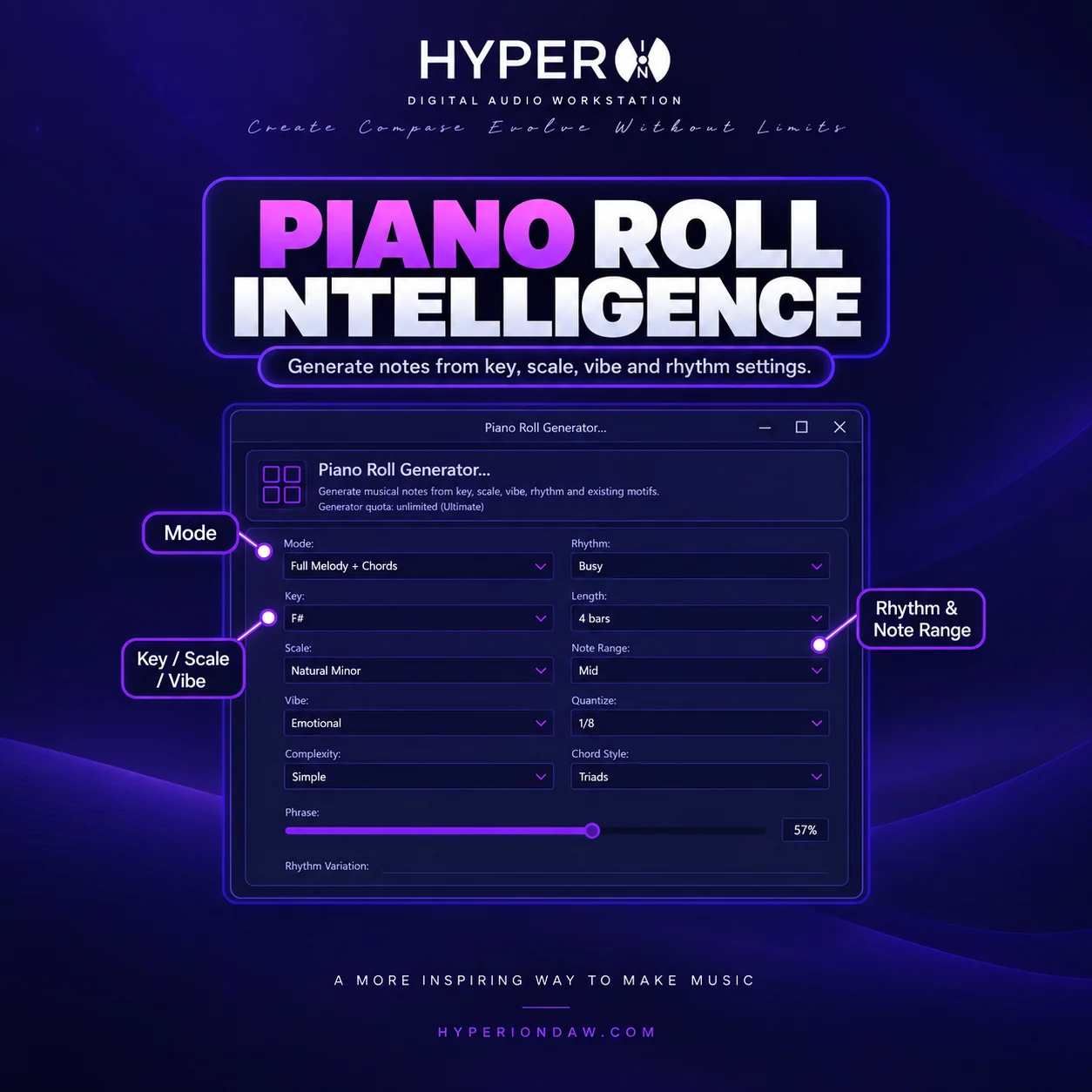
Edit MIDI notes in HyperION's piano roll with precise timing, pitch, length and velocity control. Use the grid for quantized work or adjust notes manually for a more natural performance, then assign instruments and continue arranging inside the project. The piano roll supports composition, correction and detailed MIDI editing without leaving the DAW workflow. See the core paid workflow: https://www.hyperiondaw.com/editions/standard
AI Stem Separation
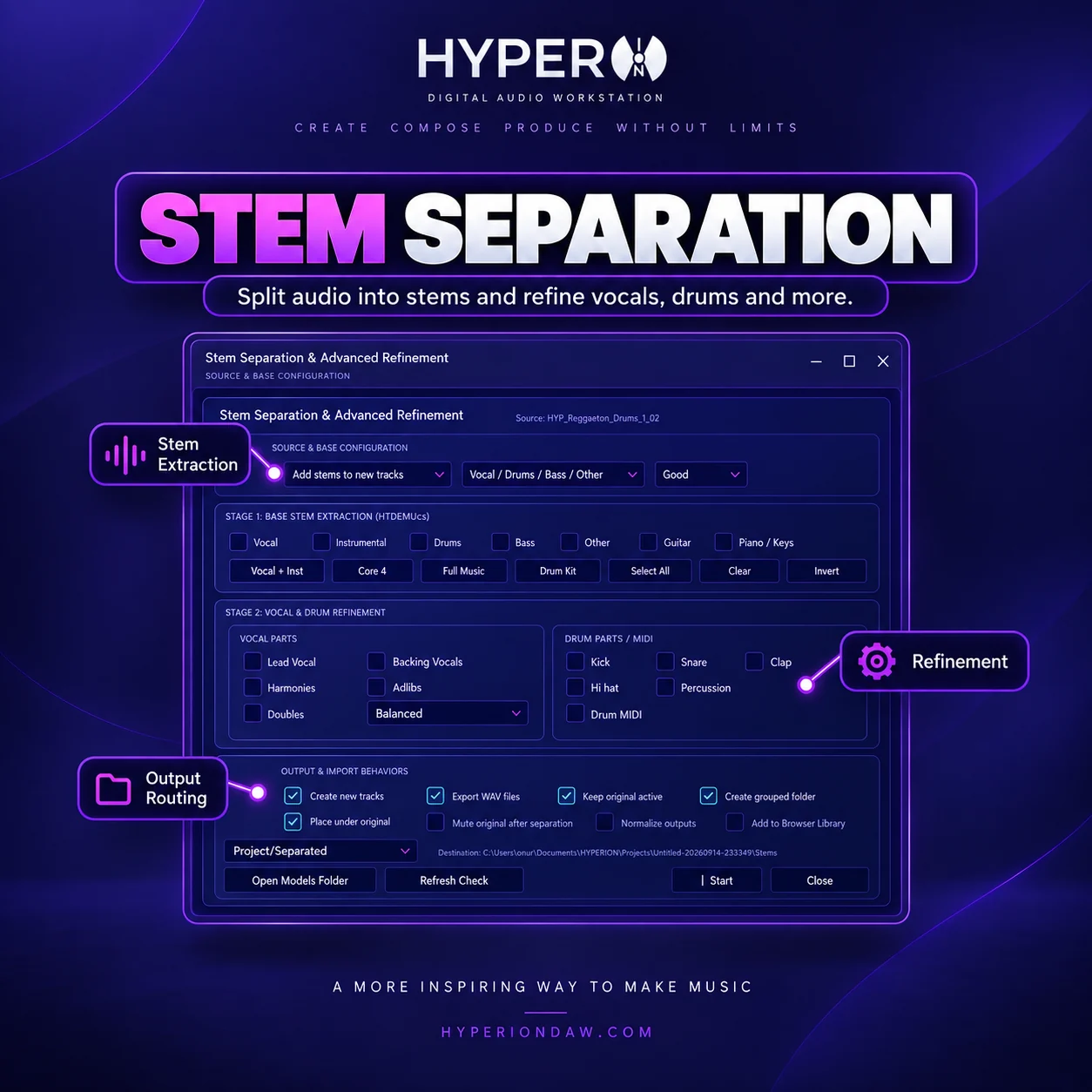
Separate a mixed audio file into useful musical stems so vocals, drums and other parts can be edited independently inside a project. This Ultimate tool is designed for music-production tasks such as remix preparation, arrangement study and targeted processing. Results stay part of an editable DAW workflow; HyperION is not a standalone general-purpose generator. Explore the Ultimate edition: https://www.hyperiondaw.com/editions/ultimate
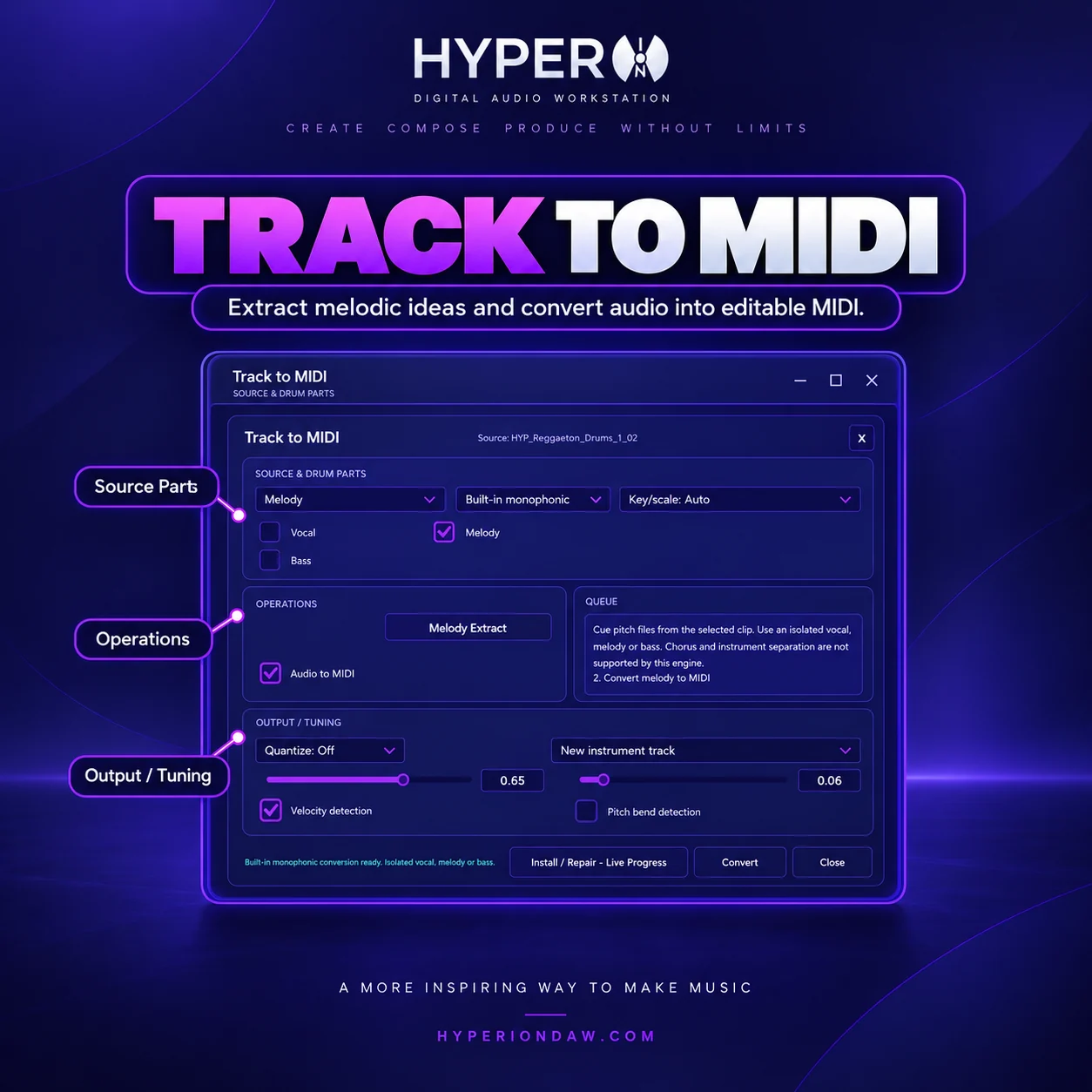
Track to MIDI
Convert suitable audio material into editable MIDI notes with quantization options, then refine timing, pitch and instrumentation in HyperION. Track to MIDI helps producers rebuild melodic ideas, study performances or move an audio phrase into the piano roll for further arrangement. The conversion supports music-focused editing within the DAW rather than replacing the project workflow. Available in Ultimate: https://www.hyperiondaw.com/editions/ultimate
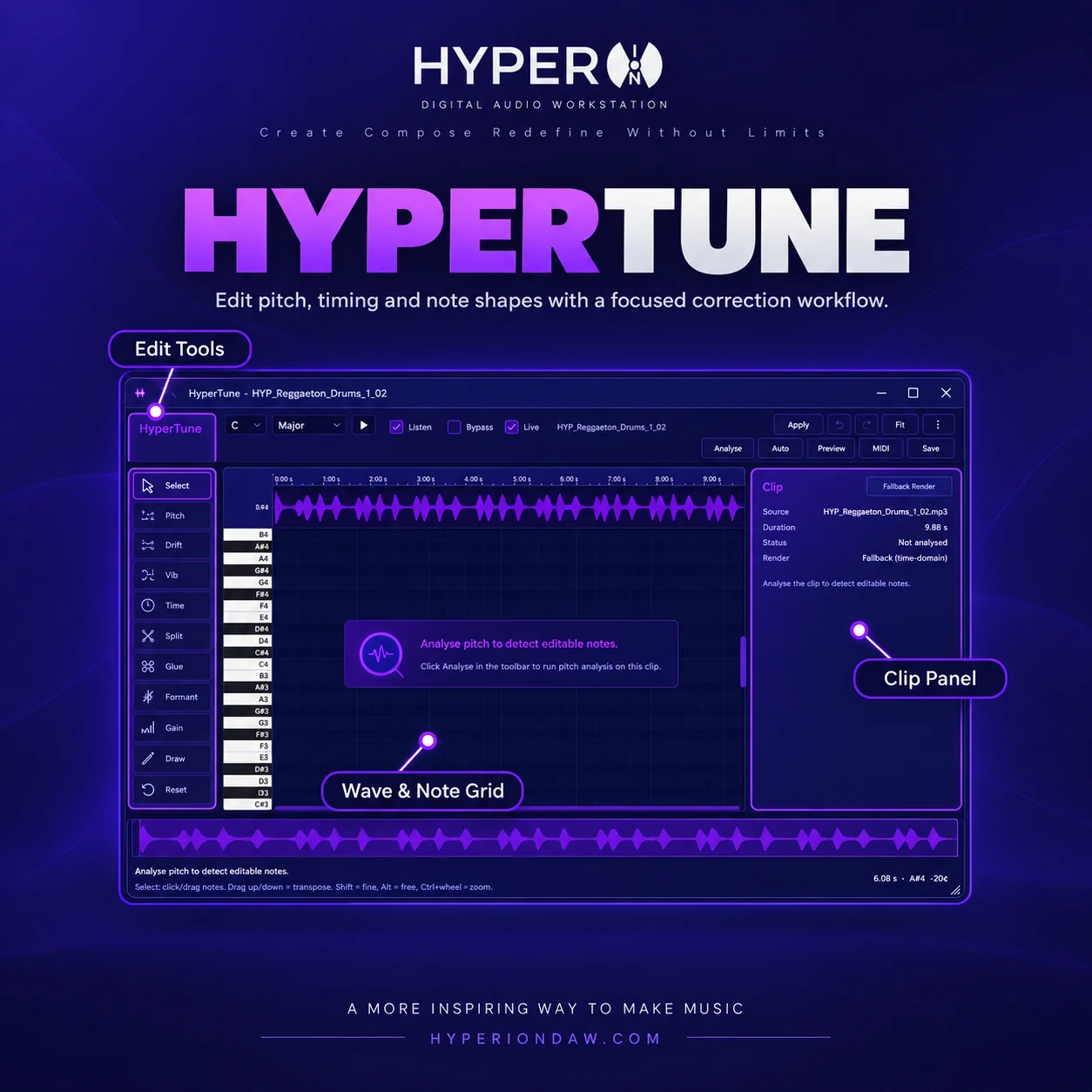
HyperTune Vocal Editor
Edit vocal pitch with HyperTune while keeping the correction work connected to the song project. Producers can inspect notes, correct inaccurate passages and shape a performance without moving the entire workflow to a separate application. Use restrained settings for natural correction, then review the vocal in the full mix with the project effects and automation. HyperTune is included in Ultimate: https://www.hyperiondaw.com/editions/ultimate
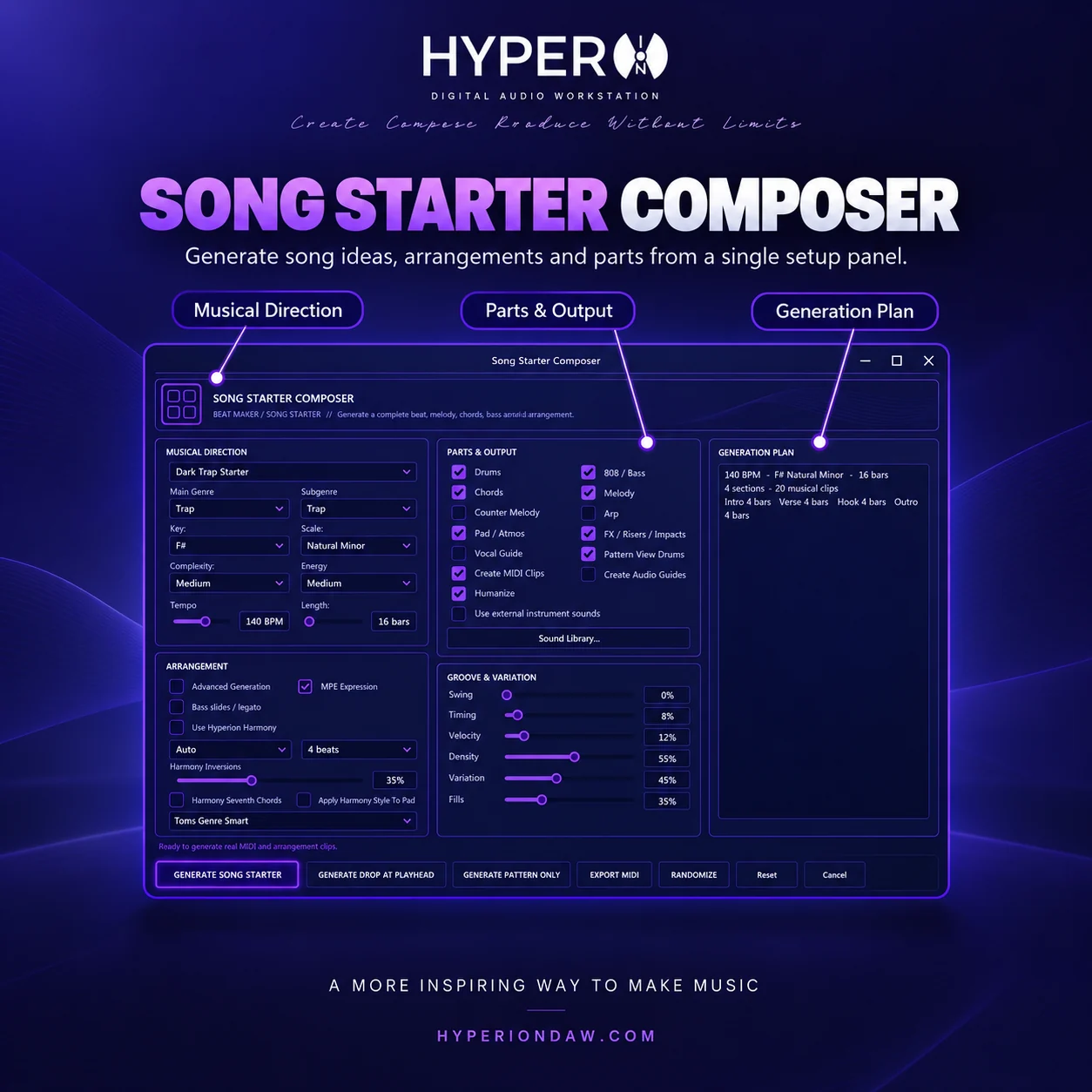
Demo Song Composer
Create a music-focused starting point made from editable MIDI material, then continue arranging, changing instruments and refining the result inside HyperION. Demo Song Composer is intended to accelerate musical ideation, not generate a finished opaque audio file or operate as a general-purpose creative generator. Every part can remain part of the producer's normal DAW workflow. Included in Ultimate: https://www.hyperiondaw.com/editions/ultimate
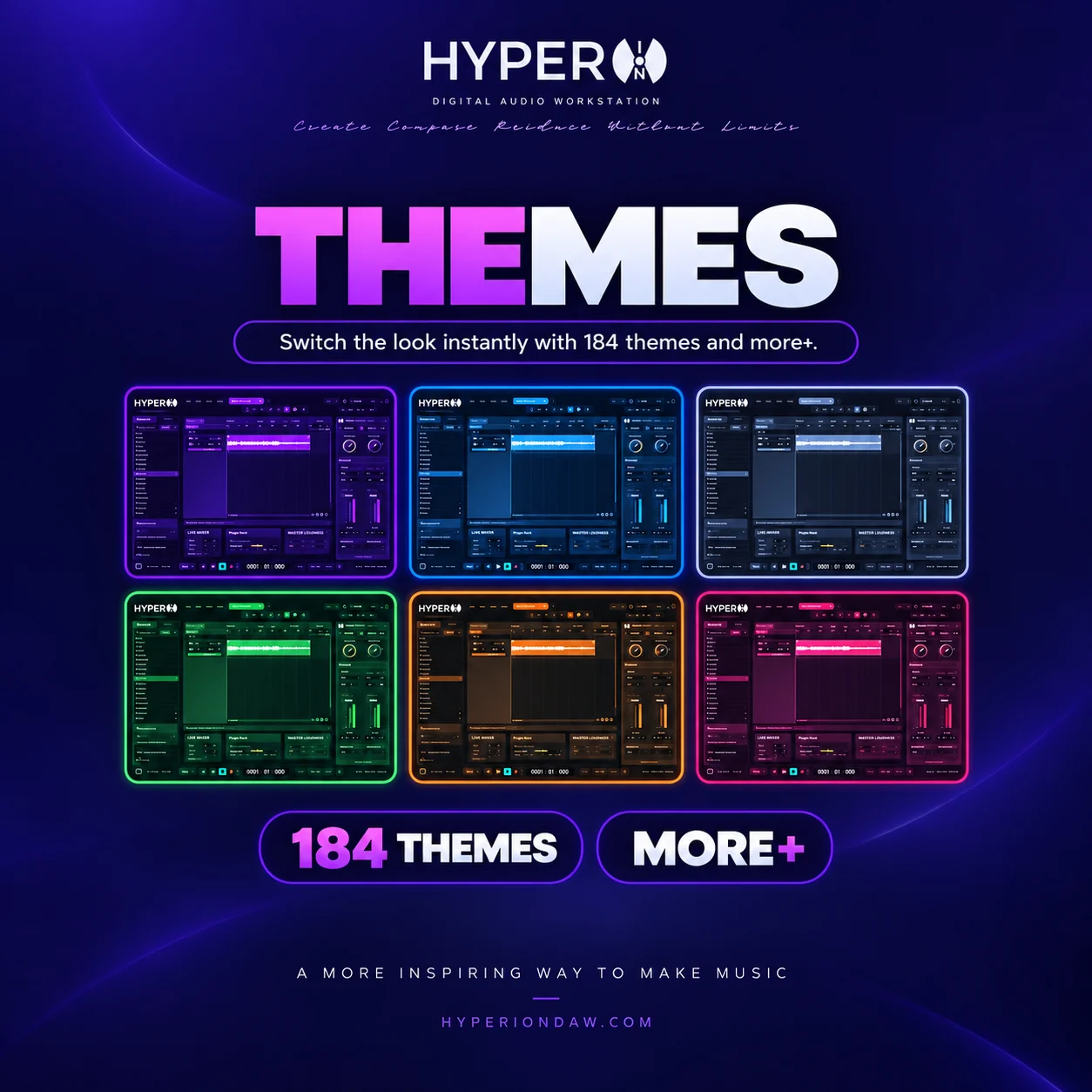
UI Themes
Choose from six interface themes to match different studios, lighting conditions and visual preferences, including neon purple and toxic green styles. The theme system changes the workspace appearance while the arrangement, editors, mixer and production tools keep the same operating model. Producers can personalize the interface without changing project compatibility or edition behavior. Compare HyperION editions and the shared workflow: https://www.hyperiondaw.com/editions
Stock Library: 3,837 Samples, 109 Presets & 43 FX
Start projects with HyperION's included library of 3,837 factory samples, 109 instrument presets and 43 stock effect plugins. Use samples for rhythm and arrangement work, load presets as musical starting points, and process tracks with the included effects before adding compatible third-party tools. The library supports a complete in-the-box production workflow. Review the Standard production edition: https://www.hyperiondaw.com/editions/standard